Small Business Management Software
CentriQS offers small business management software and custom database solutions for small and medium enterprise businesses. Centralize all the data across your entire company.
Software Features
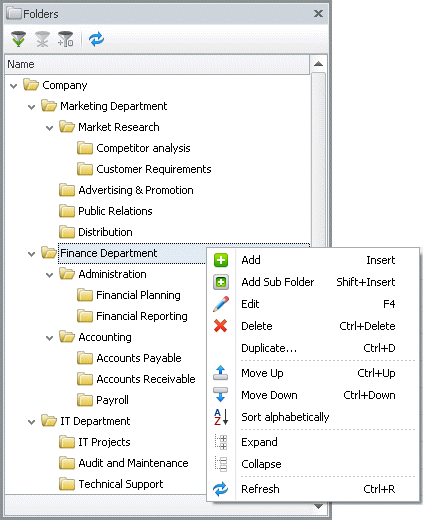
Folders
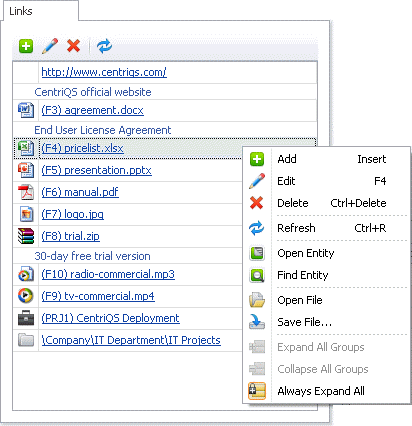
Links
Interrelate your business data, add links to web pages and files uploaded to the database or stored in your local area network.
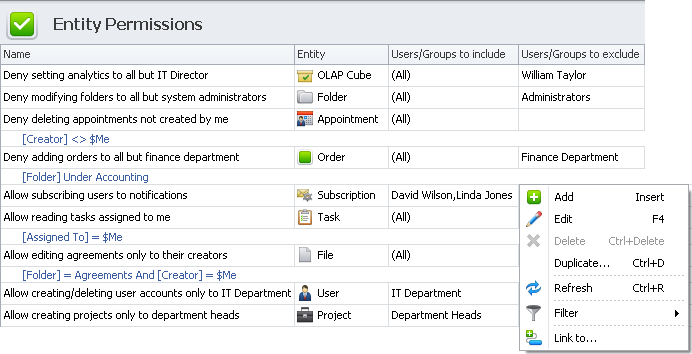
Permissions
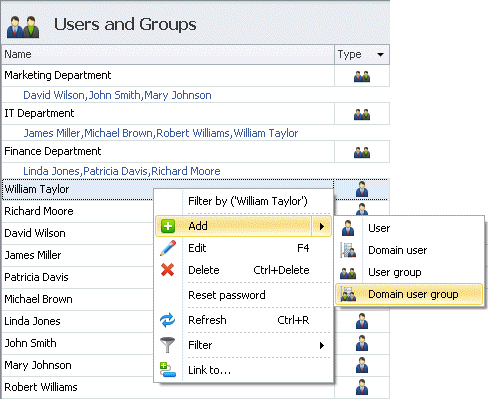
Set flexible permission rules for users and groups to restrict their rights to 'read' or 'write' certain data under certain conditions.
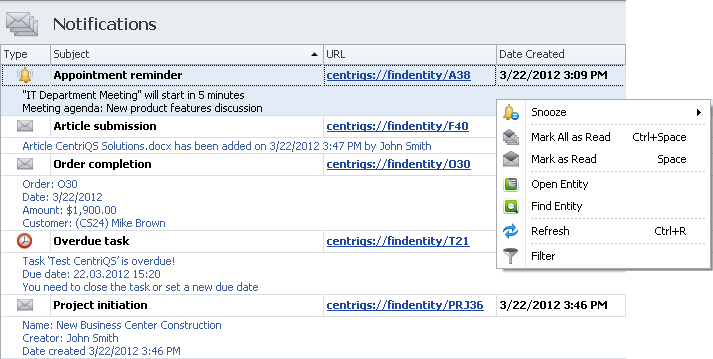
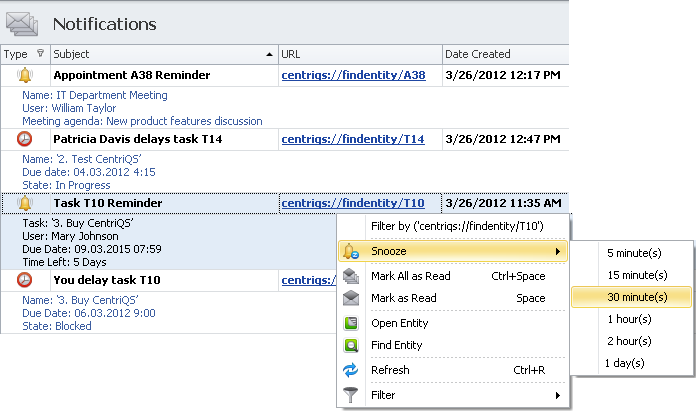
Notifications
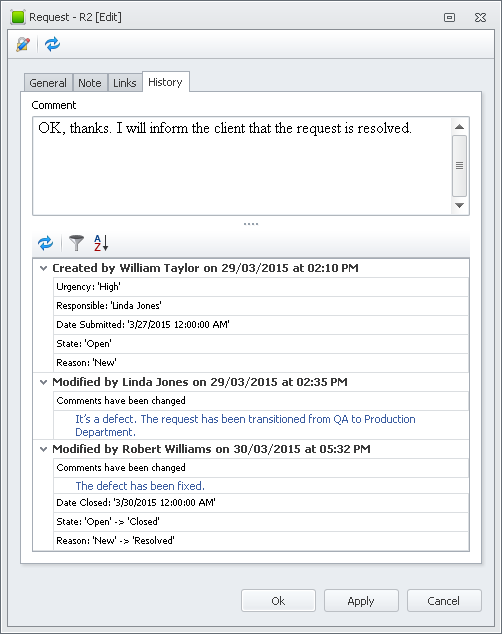
Subscribe users to internal and email notifications of any important data changes they may be concerned with or responsible for.
Templates
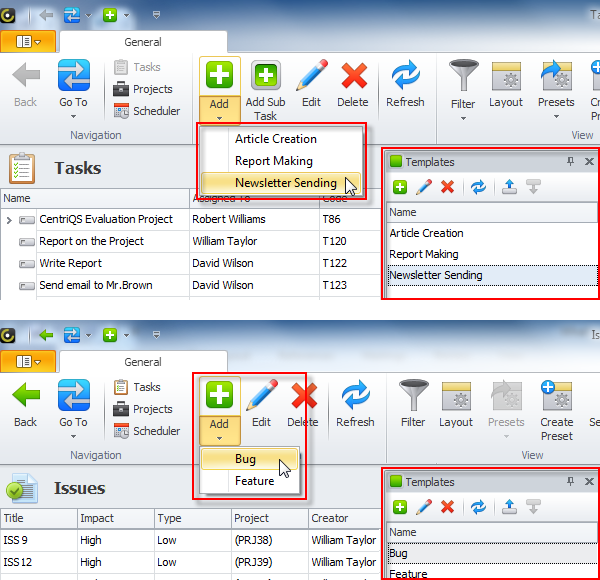
Create various templates for any business objects to quickly and easily add new data with pre-saved settings and values.
Layouts & Presets
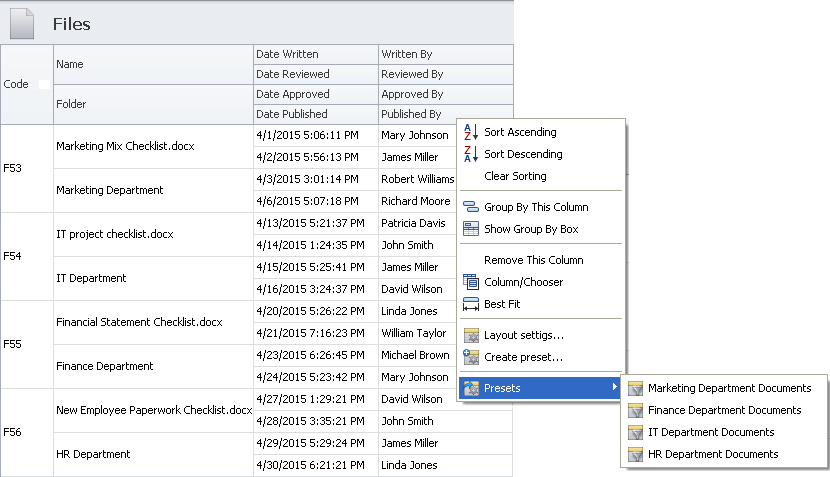
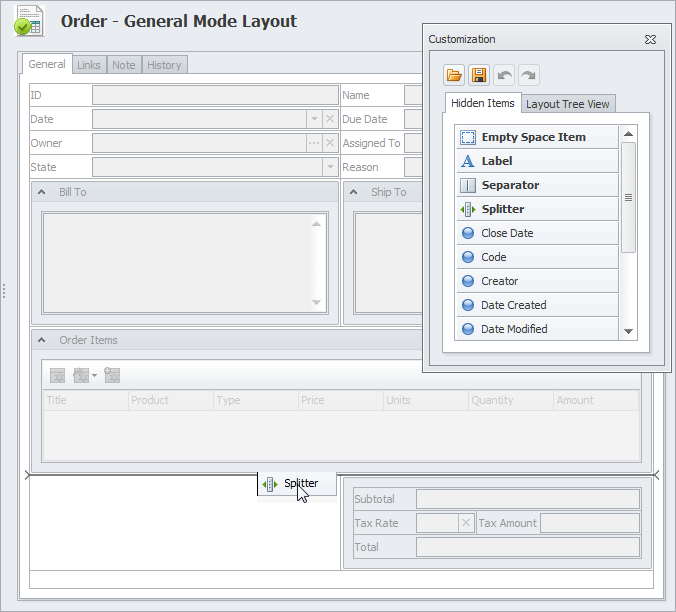
Modify default layout of any view according to your requirements, save and load shared and personal layout presets.
Search
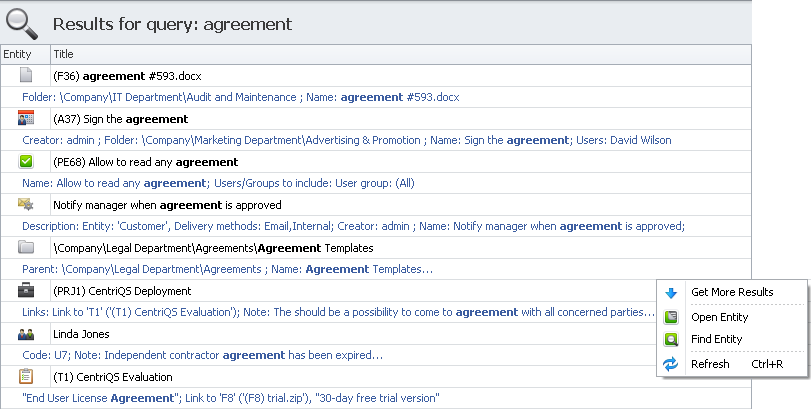
Find any required data stored in the database with help of full text search options and operators that improve search results.
Filters
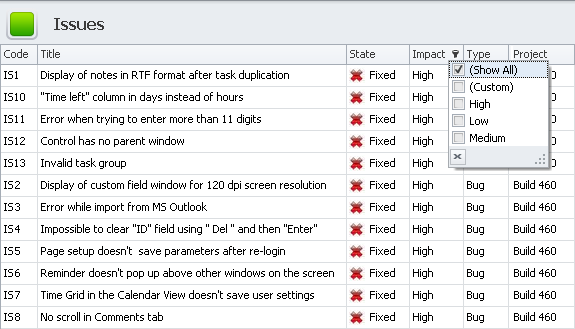
Display only relevant data by applying quick filters, setting complex conditions, or saving most frequently used filters as presets."
AD Authentication
Use secure and scalable Active Directory for user authentication and quick addition of domain users and groups to the user list.
RTF Editor
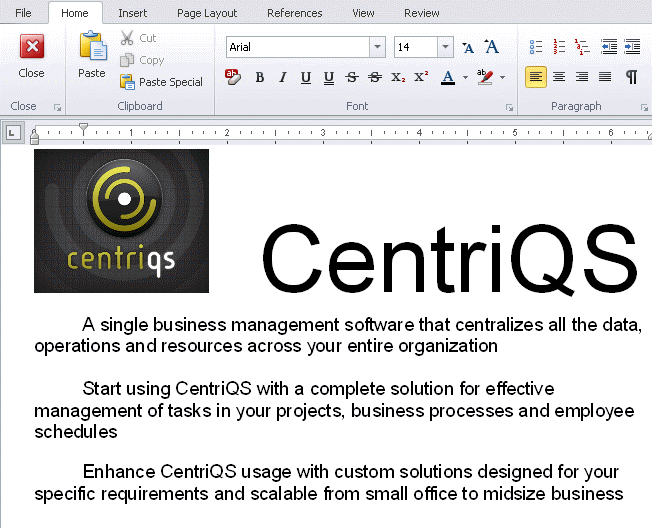
Make your data notes in MS Word-like RTF editor that supports almost all of the text formatting features that you are used to.
Pivot Tables
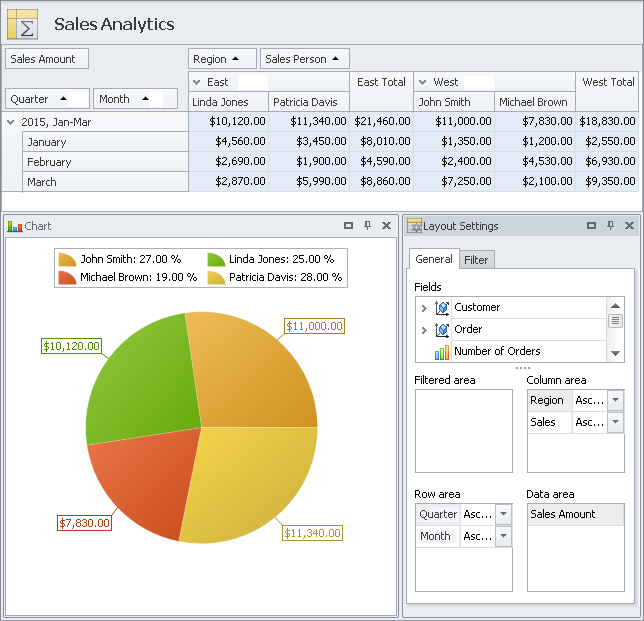
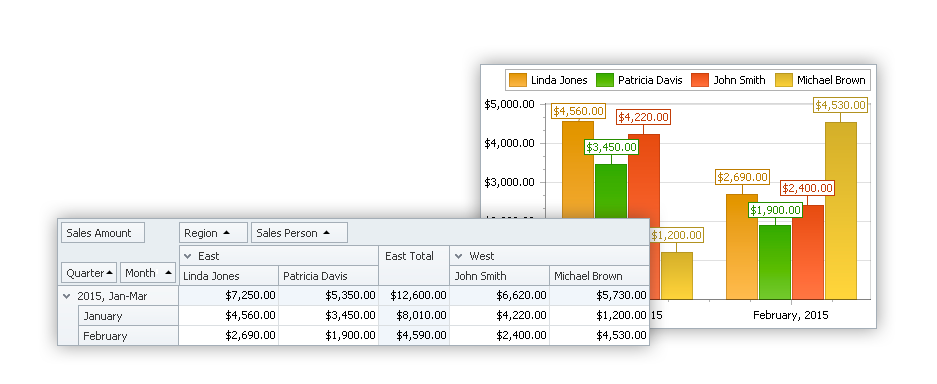
Use Pivot tables to analyze your business data from various aspects and measure your company progress in any area.
Analytical Charts
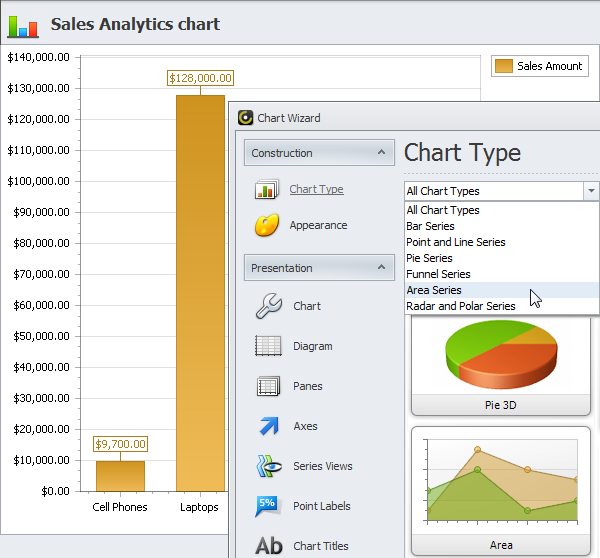
Choose from a variety of chart types to visualize your business data for effective analysis, reporting and decision making.
Dashboards
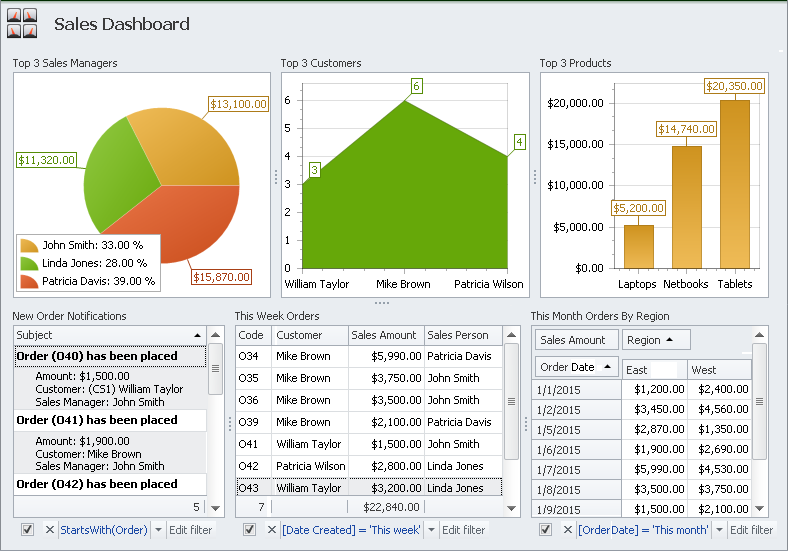
Gather any related views on dashboards to monitor key performance indicators and see the big picture on all fronts.
Task Management Solution
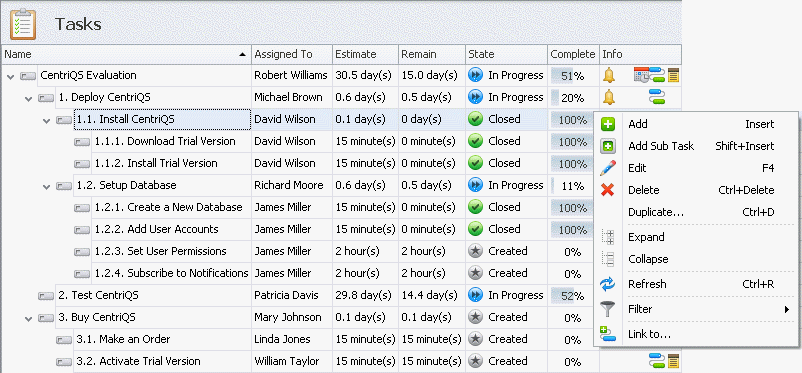
Task Breakdown
Task Scheduling
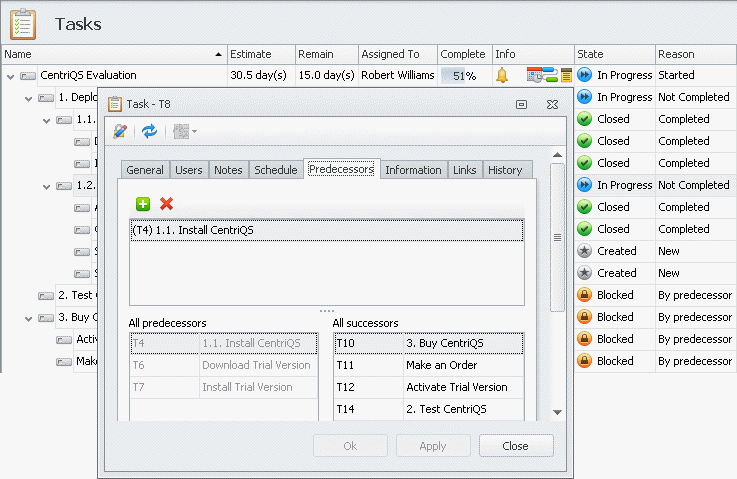
Task Dependency
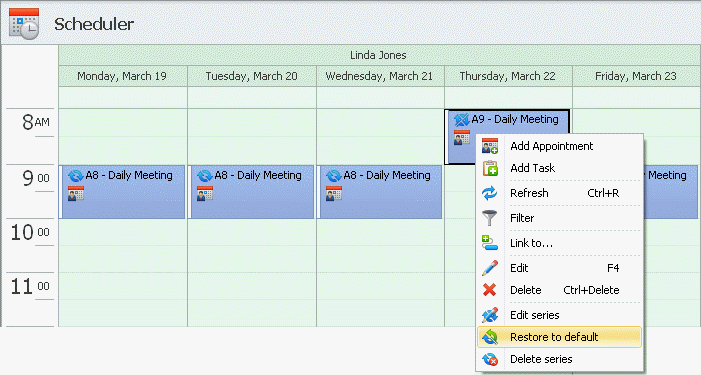
Recurring Tasks
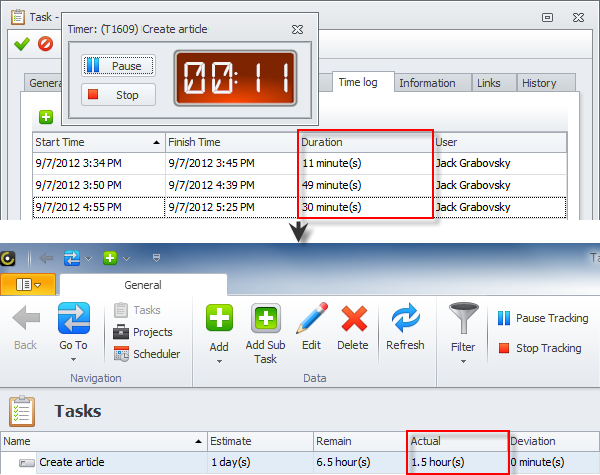
Time Tracking
Appointments
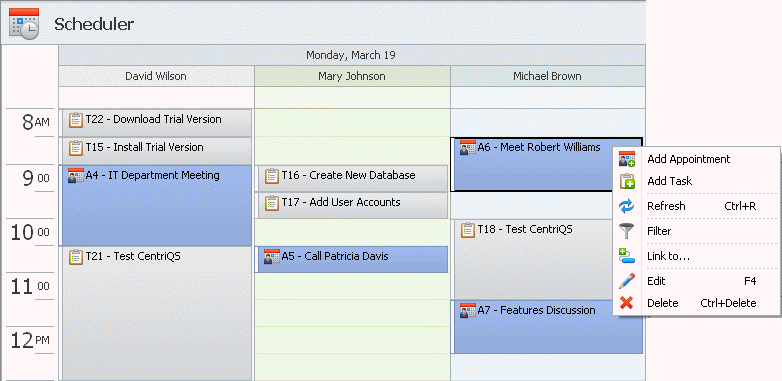
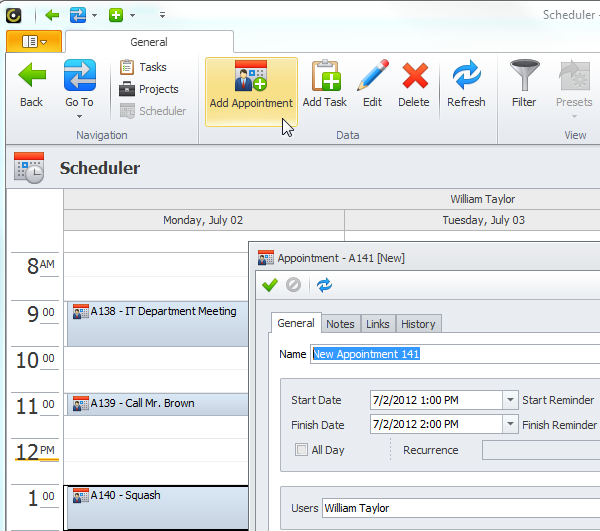
Plan your business calls, meetings, events, and any other activities as schedule appointments to know what's on your agenda.
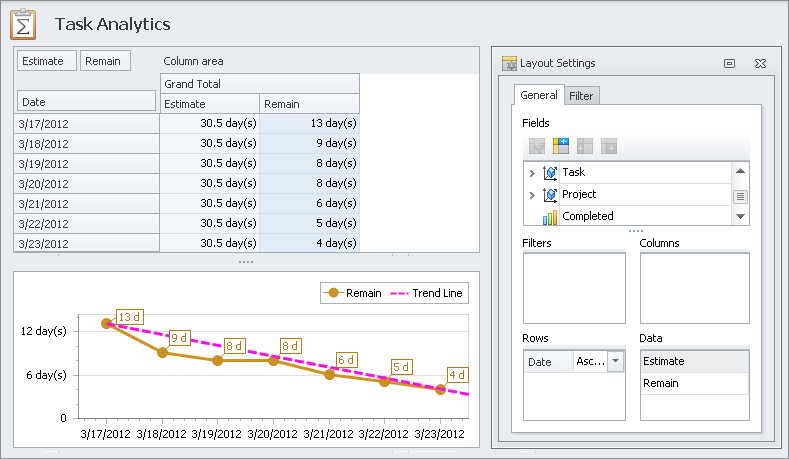
Task Analytics
Create analytical tables and charts to get control of your projects; track productivity, make improvements and predict performance.
Custom Database Solution
Custom Entities
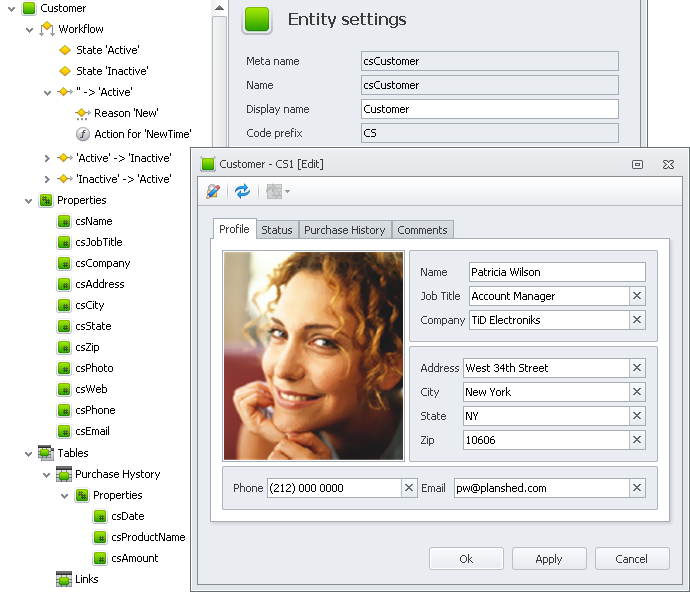
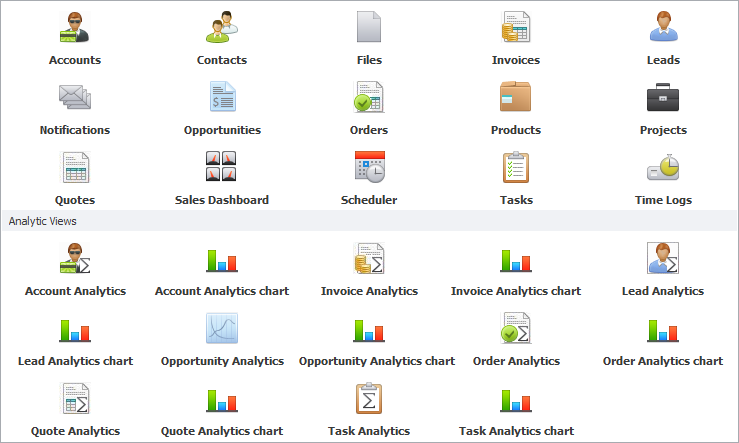
Create custom entities with forms, views and analytics for all of your business functions: financials, sales, production, operations, etc.
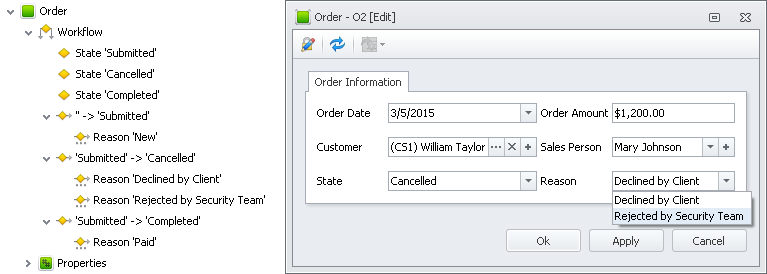
Custom Workflow
Design entity workflow that defines a logical transition from one state to another from beginning to end of custom entity's life cycle.
Custom Properties
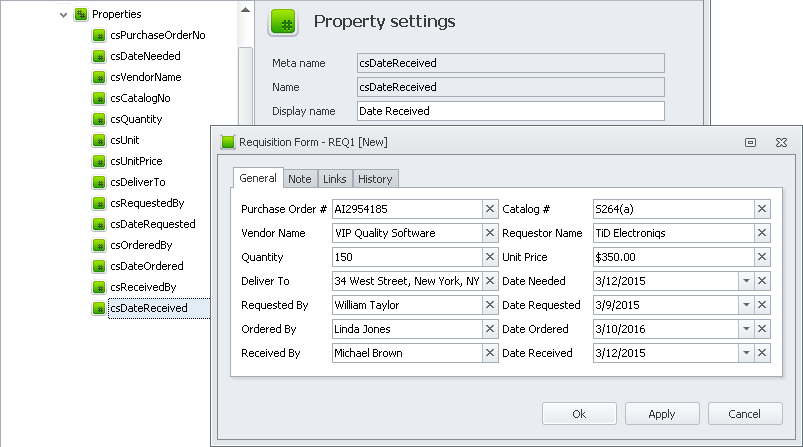
Add entity properties which support any type of data: text, number, image, select list, check box, date picker, hyperlink, etc.
Custom Tables
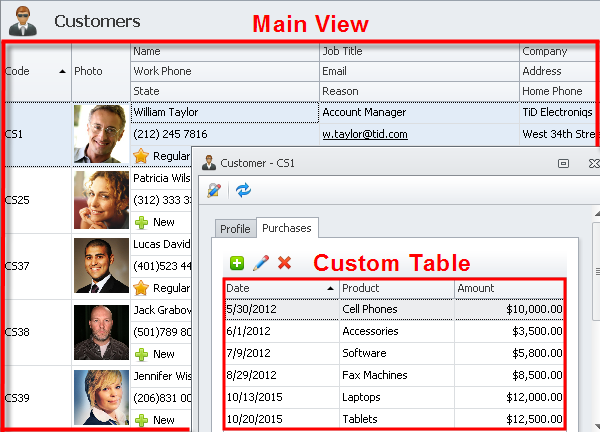
Add custom tables to store additional entity related information displayed on entity detail view in table format.

Custom Enums
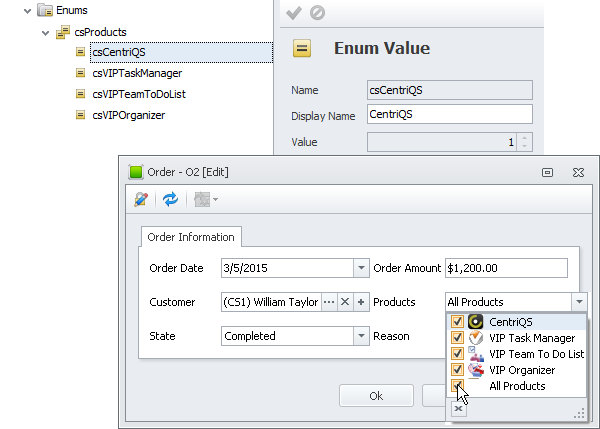
Add custom enums to let users easily select or check items like products, types, kinds, etc. in short lists of named values.
Custom Expressions
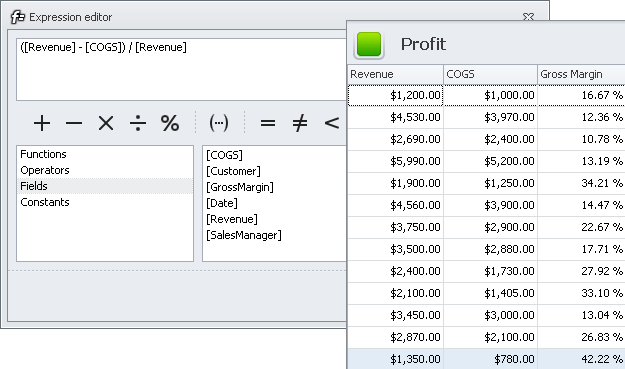
Set custom expressions to calculate property data by formulas that include other fields' values, functions, operators and constants.
Custom OLAP Cubes
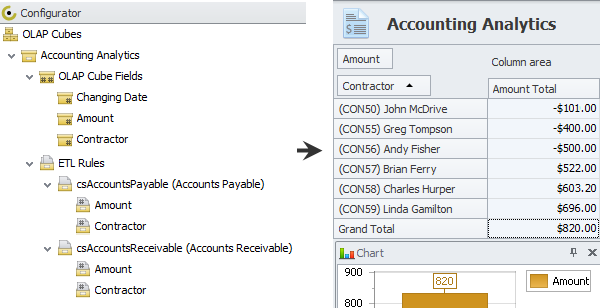
Build custom OLAP cubes to extract, transform and load data from multiple entities into pivot tables and analytical charts.

Views Customization
Design custom layout to display, hide, group, resize and relocate any fields and tables shown in the main and detail entity views.